
3.6 KiB
Why choose Qt?
Qt's QGraphicsView and QGraphicsScene is awesome, it's easier to implement window composite than other GUI library (such as GTK+).
If use Gtk+ or other GUI library, I need write many Widget/XComposite code to implement widget like QGraphicsView/QGraphicsScene.
Why choose Python?
C/C++ need compile long time for every change, this will interrupt my attention and enthusiasm of development.
Python is a perfect language to develop Qt program and it can call pretty much in every library you need.
Let me run hello word
M-x eaf-open
Then type "eaf-demo" as input, will pop hello world window in emacs like below:
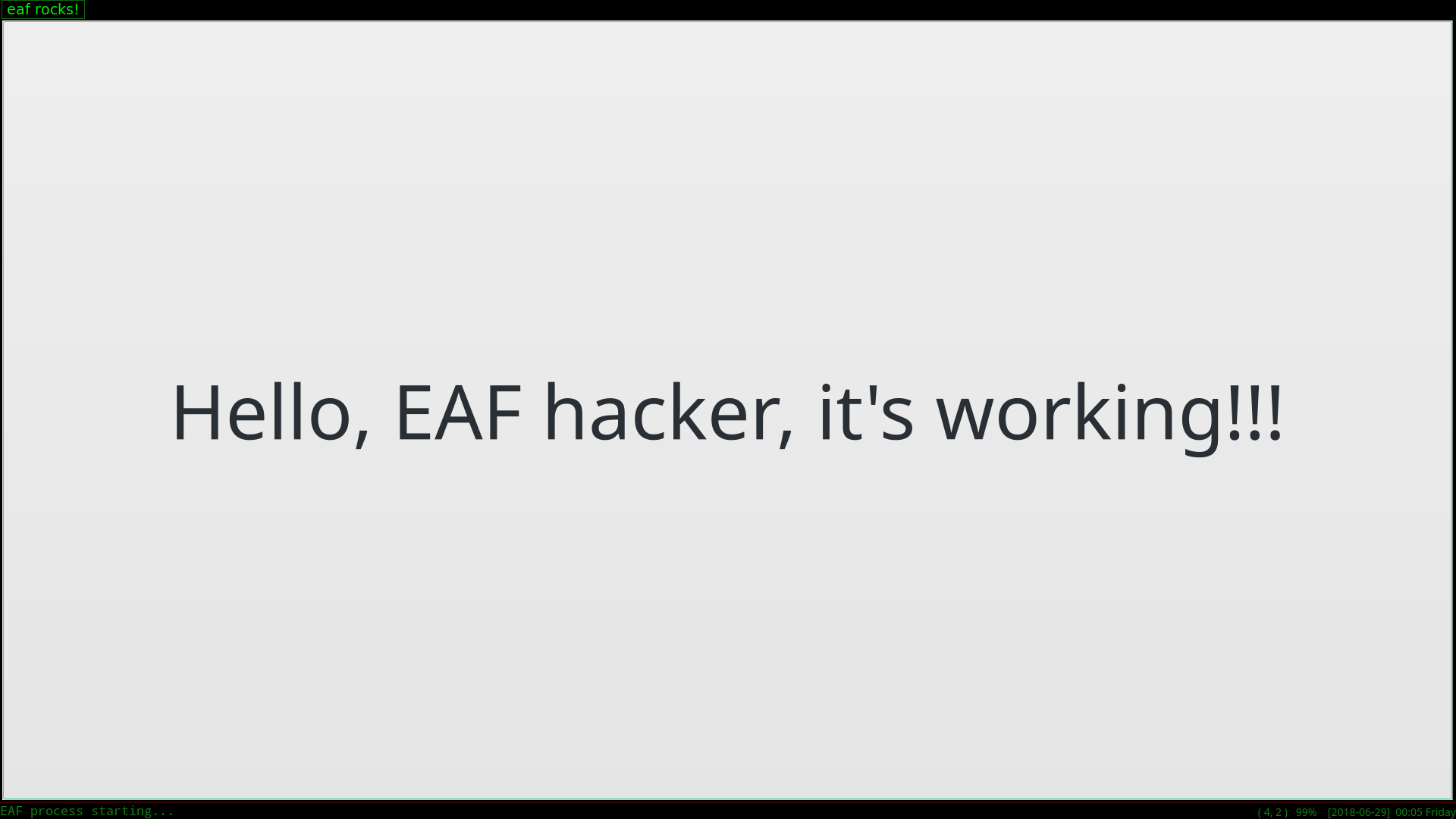
It's a big hello button, try to click it, haha.
Develop new plugin
It's very easy if you know how to write PyQt5 code.
Here have awesome tutorial help you study PyQt5: http://zetcode.com/gui/pyqt5/
Trust me, PyQt5 is pretty easy to study.
After you know how to write PyQt5 code, developing new plugin just needs 3 steps:
- Open file buffer.py:
from PyQt5.QtGui import QColor
from PyQt5.QtWidgets import QPushButton
from core.buffer import Buffer

class AppBuffer(Buffer):
    def __init__(self, buffer_id, url):
        Buffer.__init__(self, buffer_id, url, True, QColor(0, 0, 0, 255))

        self.add_widget(QPushButton("Hello, EAF hacker, it's work!!!"))
        self.buffer_widget.setStyleSheet("font-size: 100px")
Replace QPushButton with your PyQt5 widget.
-
buffer_id and url are need by framework, you just need pass those paramaters to Buffer class
-
third paramater True mean application content will fit size with emacs window size change, such as image viewer.
-
third paramater False mean applicaton content won't fit size with emacs window size change, such as browser.
-
fourth paramater is background color to fill application background.
- Open file eaf.el:
...

(defun eaf-open (url &optional app-name)
  (interactive "FOpen with EAF: ")
  (unless app-name
    (cond ((string-equal url "eaf-demo")
           (setq app-name "demo"))

...
Replace "eaf-demo" to "eaf rocks!"
- Test
Execute command `eaf-stop-process' to kill old python process.

Execute command `eaf-start-process' to start new python process.

Execute command `eaf-open' and type "eaf rocks!".
See? It's so easy!
Above are all you need, happy hacking!
Other APIs
Read user's input
Below is code example from pdfviewer:
...

class AppBuffer(Buffer):
    def __init__(self, buffer_id, url):
        Buffer.__init__(self, buffer_id, url, False, QColor(0, 0, 0, 255))

        self.add_widget(PdfViewerWidget(url, QColor(0, 0, 0, 255)))
        self.buffer_widget.send_jump_page_message.connect(self.send_jump_page_message)

    def send_jump_page_message(self):
        self.send_input_message("Jump to: ", "jump_page")

    def handle_input_message(self, result_type, result_content):
        if result_type == "jump_page":
            self.buffer_widget.jump_to_page(int(result_content))

...
If you want read input from emacs minibuffer then call back to python.
You can emit buffer signal "send_input_message", first argument is prompt string to user, second argument is callback_type for interface "handle_input_message".
After emacs read user input, framework will call interface "handle_input_message", result_type is callback_type you use in signal "send_input_message", result_content is input string from emacs.
Simple logic is send "send_input_message" signal to emacs, then handle user input with buffer interface "handle_input_message"