
You can not select more than 25 topics
Topics must start with a letter or number, can include dashes ('-') and can be up to 35 characters long.
 Andy Stewart
d3c1b9c4bd
Andy Stewart
d3c1b9c4bd
|
8 years ago | |
|---|---|---|
| app | 8 years ago | |
| core | 8 years ago | |
| screenshot | 8 years ago | |
| .gitignore | 8 years ago | |
| HACKING.md | 8 years ago | |
| LICENSE | 8 years ago | |
| README.md | 8 years ago | |
| TODOLIST.md | 8 years ago | |
| eaf.el | 8 years ago | |
| eaf.py | 8 years ago | |
README.md
What is Emacs Application Framework?
Emacs Application Framework is a development framework that developers can develop any PyQt program and integrate into Emacs.
This framework mainly implements three functions:
- Integrate PyQt program window into Emacs Frame using Xlib Reparent technology
- Listening to EAF buffer's keyboard event flow and controlling the keyboard input of PyQt program via DBus IPC
- Created a window compositer to make the PyQt program window adapt Emacs's Window/Buffer design
Using this framework, you can use PyQt develop powerful graphics programs to extend Emacs
Some screenshots
Browser

Image Viewer

Video Player

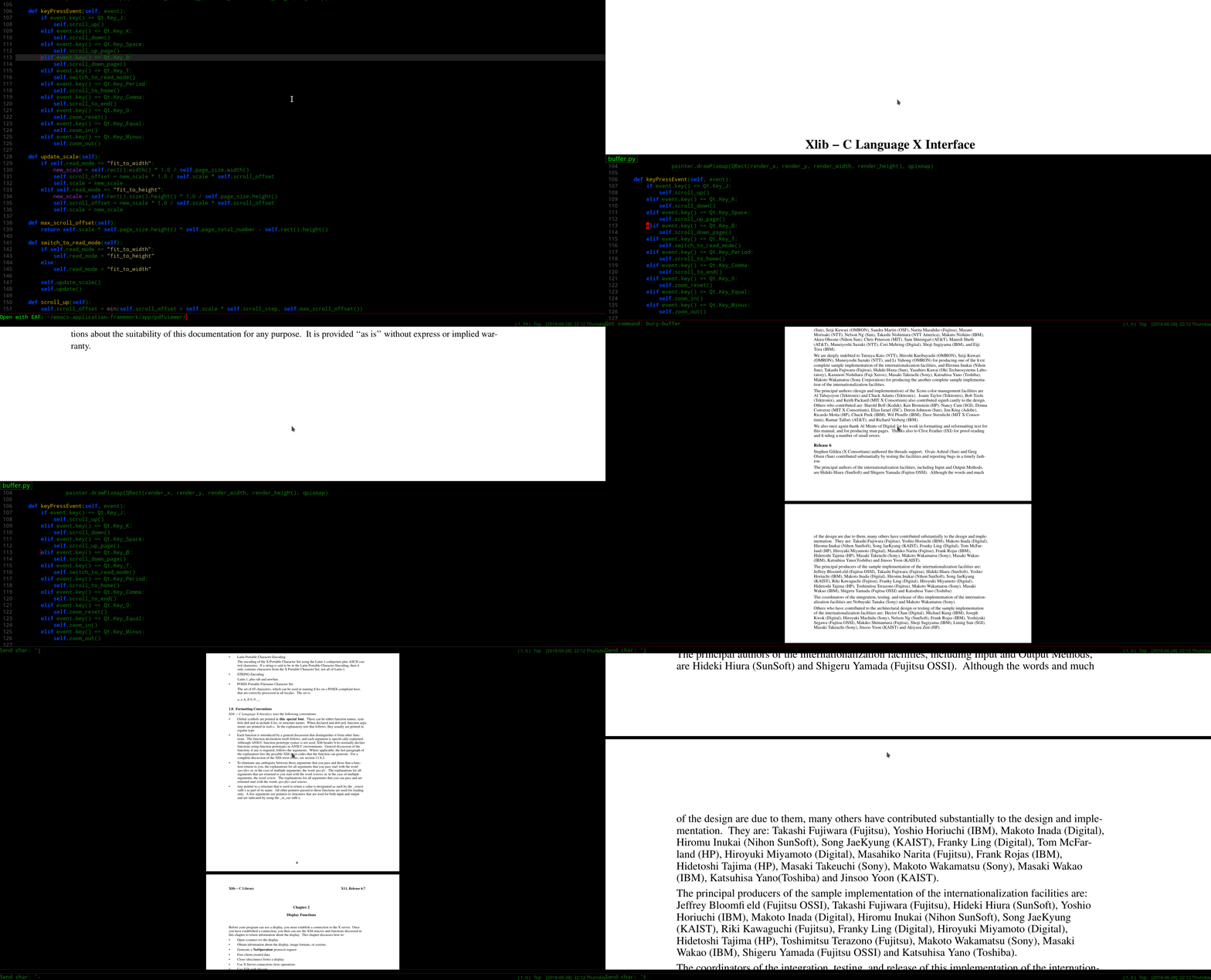
PDF Player
Installation
- Install python libraries:
sudo pacman -S python-xlib python-pyqt5 python-pymediainfo
sudo pip install PyMuPDF
- Clone this repository and add below code in your ~/.emacs
(require 'eaf)
Usage
M-x eaf-open
| App | Way to open | Key | Event |
|---|---|---|---|
| Browser | URL | Left Button | Open link current tab |
| Ctrl + Left Button | Open link in new tab | ||
| Image Viewer | Image file path | j | Load next image in current directory |
| k | Load previous image in current directory | ||
| Video Player | Video file path | Space | Play or Pause |
| h | Seek backward | ||
| l | Seek forward | ||
| Pdf Viewer | Pdf file path | j | Scroll up |
| k | Scroll down | ||
| Space | Scroll up page | ||
| b | Scroll down page | ||
| , | Scroll to end | ||
| . | Scroll to home | ||
| t | Switch scale mode | ||
| - | Zoom out | ||
| = | Zoom in | ||
| 0 | Zoomn reset | ||
| g | Goto page | ||
| Camera | Type 'eaf-camera' | ||
| Demo | Type 'eaf-demo' |
Why this awesome framework can't works with MacOS?
There are mainly three obstacles:
- I can't make dbus/python-dbus works on MacOS High Sierra
- This framework need use X11 reparent to stick Qt5 window to emacs frame, but i don't know how to make X11 works on MacOS.
- Qt5 QGraphicsView/QGraphicsScene can't work MacOS, specify QGraphicsVideoItem can't work.
How to develop new plugins?
Join Us
Do you want to make Emacs a real operating system?
Do you want to live in emacs more comfortably?
Want to create unparalleled plugins to extend emacs?
Join us, happy hacking!