Andy Stewart
4ce3ea53f4
Andy Stewart
4ce3ea53f4
|
6 years ago | |
|---|---|---|
| app | 6 years ago | |
| core | 6 years ago | |
| docker | 6 years ago | |
| screenshot | 6 years ago | |
| .gitignore | 6 years ago | |
| LICENSE | 8 years ago | |
| README.md | 6 years ago | |
| README_CN.md | 6 years ago | |
| eaf.el | 6 years ago | |
| eaf.py | 6 years ago | |
| setup.py | 8 years ago | |
README.md
You're reading the English version, Chinese users, please read 中文版本
What is Emacs Application Framework (EAF)?
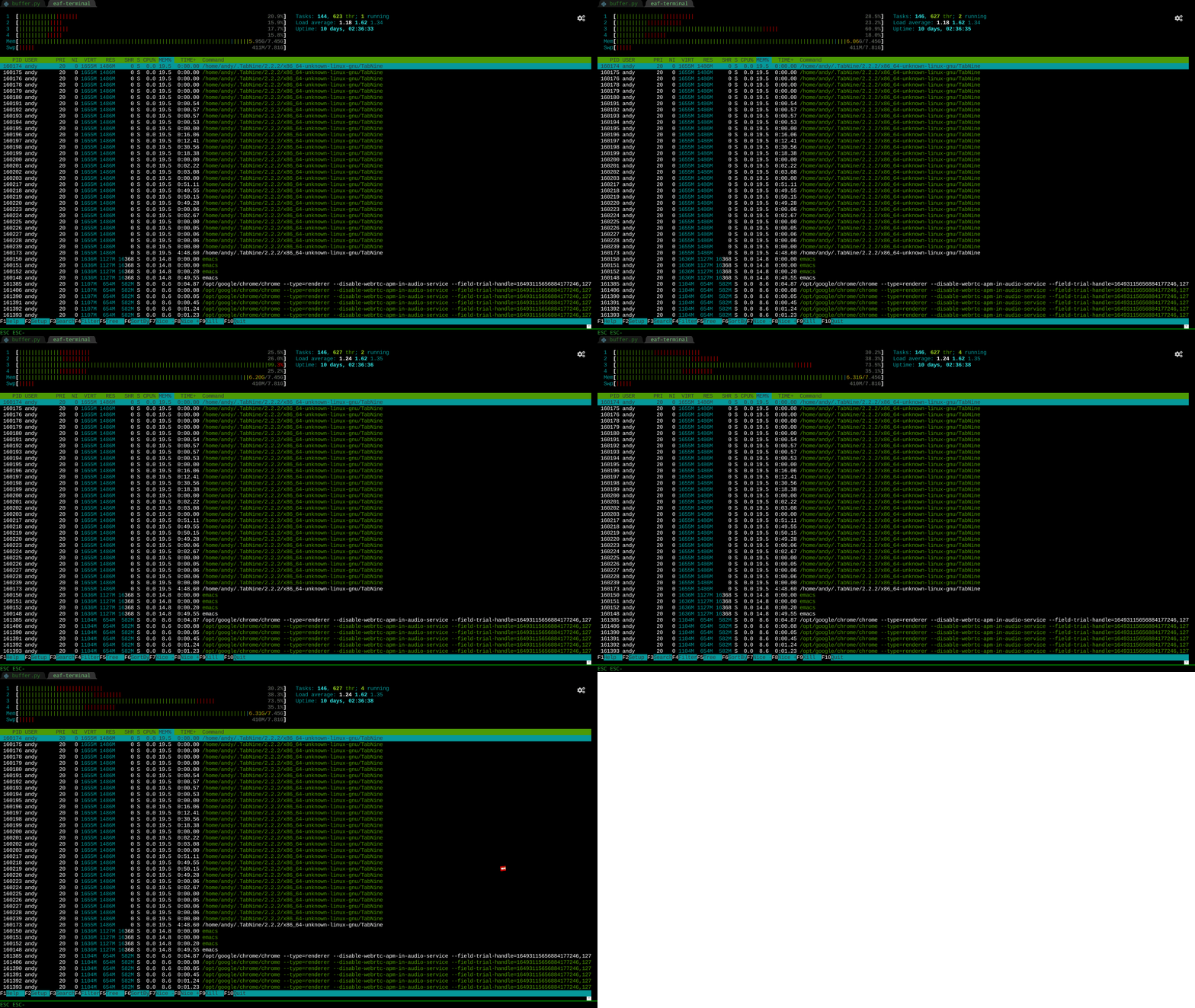
EAF extends GNU Emacs to an entire universe of powerful GUI applications.
EAF Application Overview
EAF is extensible, you can develop any PyQt application and integrate it into Emacs.
| Browser | Markdown Previewer |
|---|---|
 |
 |
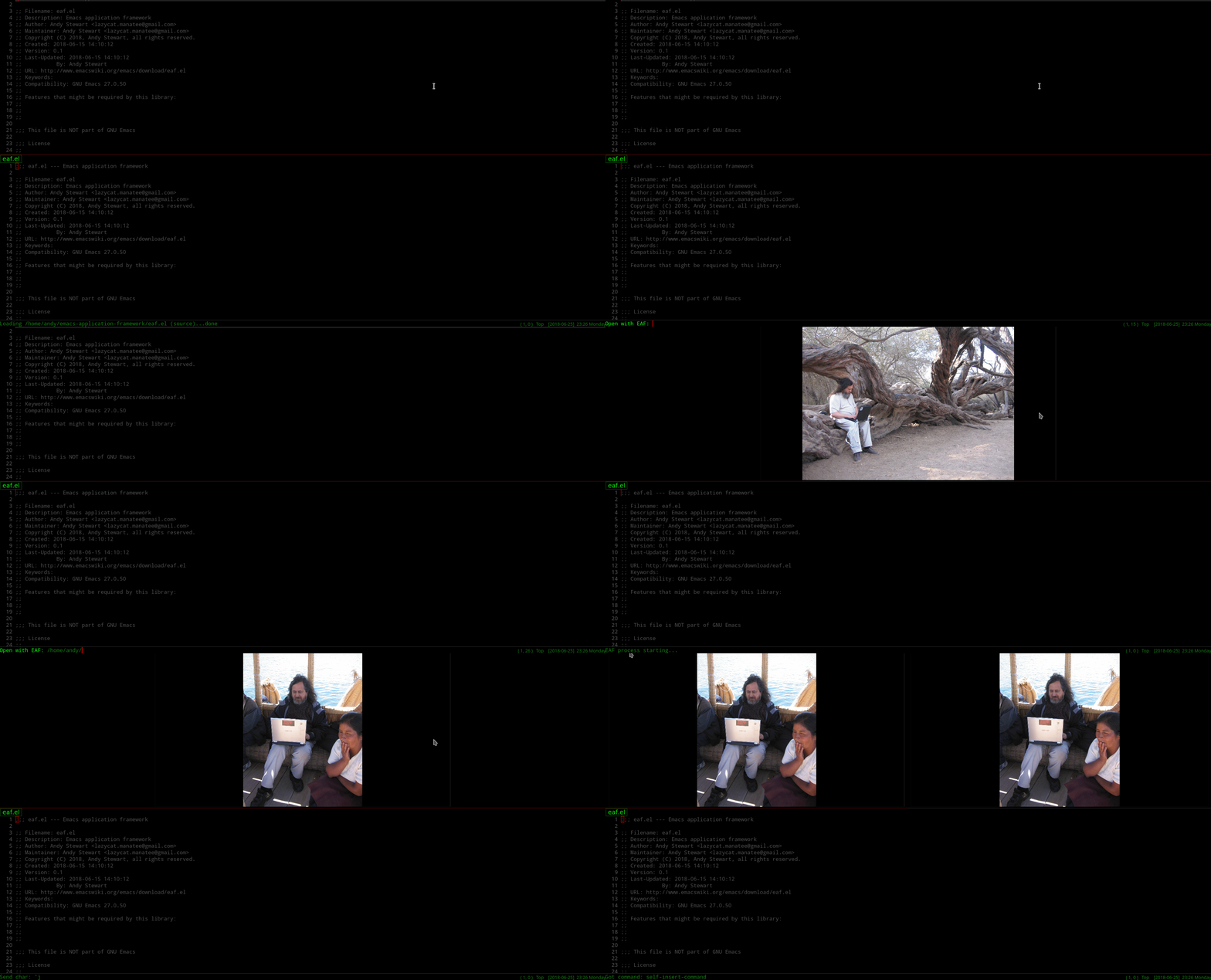
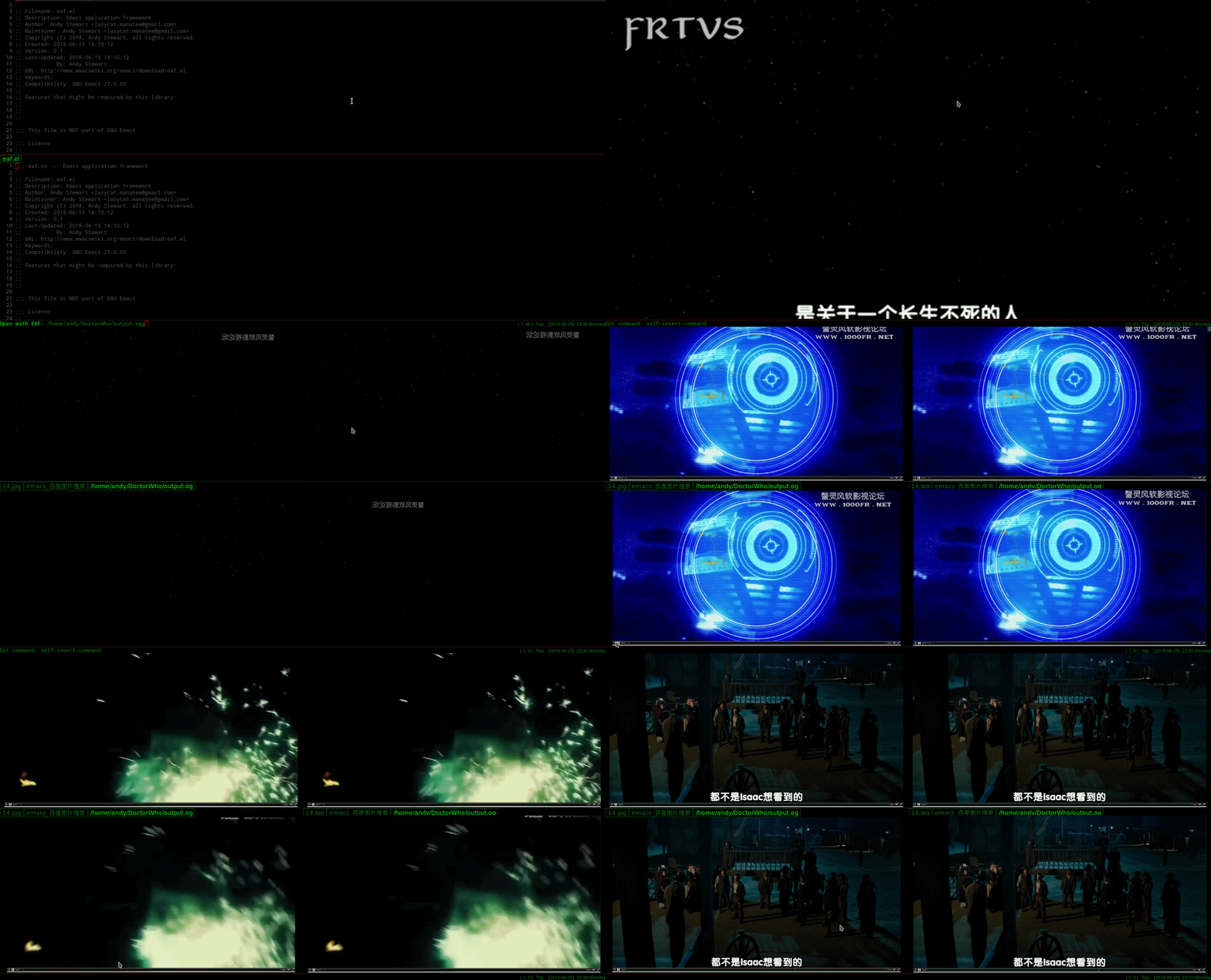
| Image Viewer | Video Player |
|---|---|
 |
 |
| PDF Viewer | Camera |
|---|---|
 |
 |
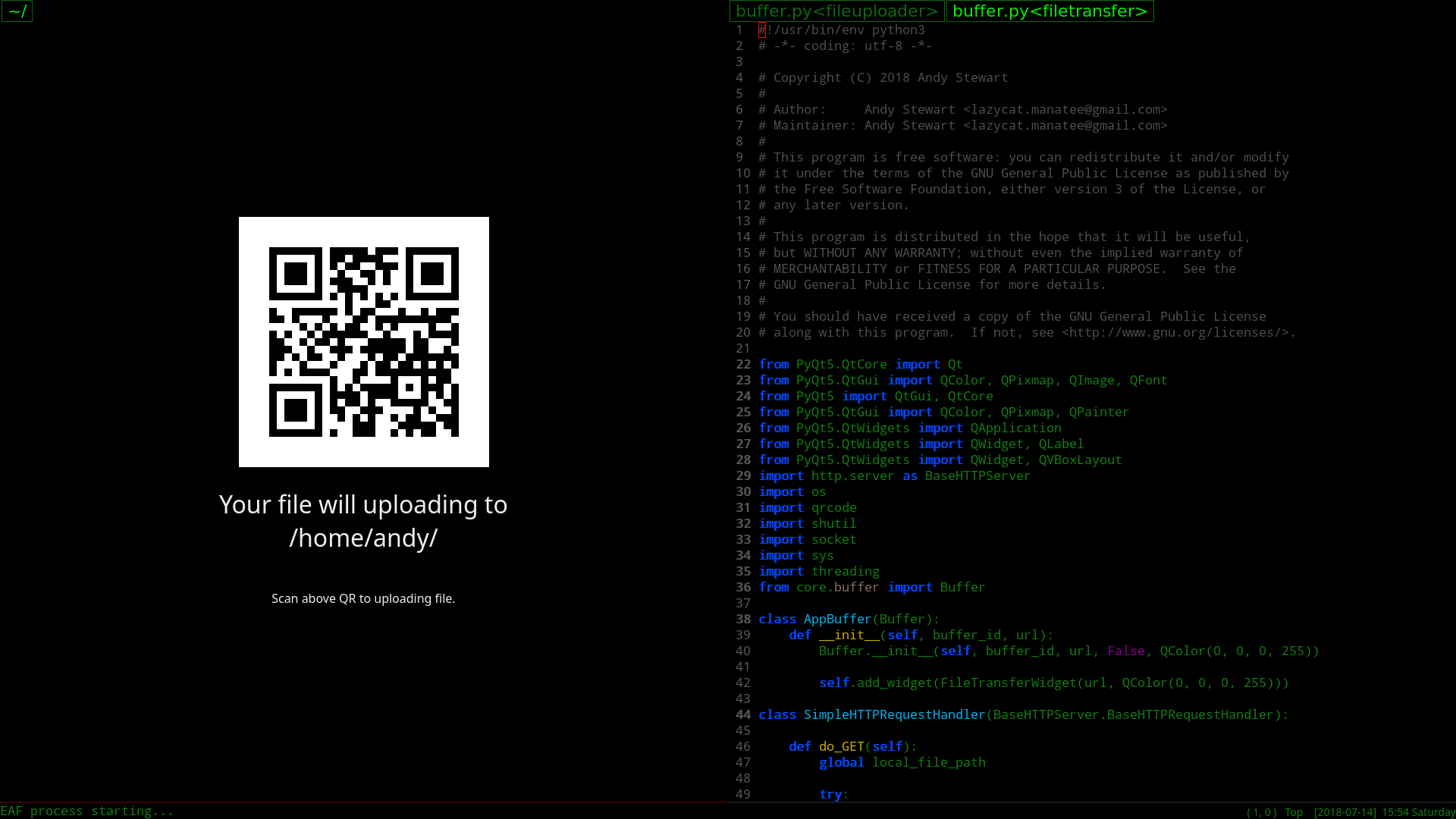
| File Sender | File Receiver |
|---|---|
 |
 |
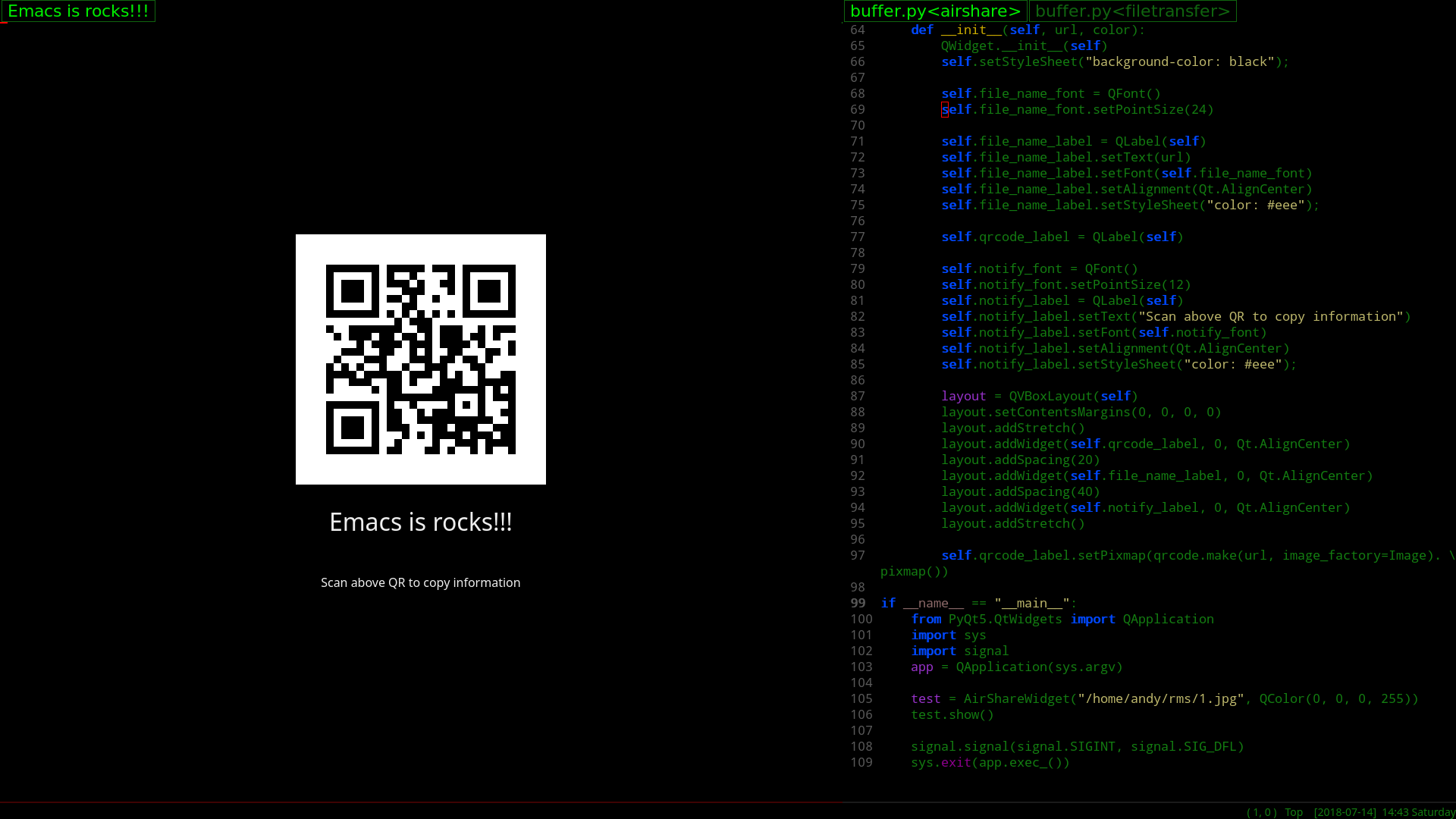
| Air Share | Org Previewer |
|---|---|
 |
 |
| Terminal Emulator | RSS Reader |
|---|---|
 |
 |
Install EAF
-
For Arch Linux users, you can find emacs-eaf in AUR. Install it and jump to step 4.
-
Make sure to have
python3installed, and usepip3to install all EAF dependencies (see below list for details)
sudo pip3 install dbus-python python-xlib pyqt5 pyqtwebengine pymupdf grip qrcode feedparser aria2p
-
Clone this git repository.
-
Add the full path to the EAF installation directory to your Emacs
load-path, then add the following to your Emacs config:
(require 'eaf)
If you use use-package, a sample configuration has been provided.
(use-package eaf
  :load-path "~/.emacs.d/site-lisp/emacs-application-framework" ; Set to "/usr/share/emacs/site-lisp/eaf" if installed from AUR
  :custom
  (eaf-find-alternate-file-in-dired t)
  :config
  (eaf-bind-key scroll_up "RET" eaf-pdf-viewer-keybinding)
  (eaf-bind-key scroll_down_page "DEL" eaf-pdf-viewer-keybinding)
  (eaf-bind-key scroll_up "C-n" eaf-pdf-viewer-keybinding)
  (eaf-bind-key scroll_down "C-p" eaf-pdf-viewer-keybinding)
  (eaf-bind-key take_photo "p" eaf-camera-keybinding))
- For EAF Terminal to work only: Install and configure
wetty:
# Install wetty
sudo yarn global add wetty

# Make wetty login with public key
ssh-keygen
cp ~/.ssh/id_rsa.pub ~/.ssh/authorized_keys

# You need add below in .bashrc if you are Chinese
echo 'export LANG=zh_CN.UTF-8' >> ~/.bashrc
- For EAF Browser download to work, please install
aria2.
Dependency List
Packages listed as Core are mandatory to make EAF to work, whereas packages listed as Application are optional - install if you want the corresponding EAF feature.
| Package | Package Repo | Classification | Description and Depended by ... |
|---|---|---|---|
| pyqt5 | pip3 | Core | Essential GUI library |
| dbus-python | pip3 | Core | DBus IPC to connect Python with Elisp |
| python-xlib | pip3 | Core | Stick application window into Emacs frame |
| pyqtwebengine | pip3 | Core | Depended by EAF Browser and some other EAF Applications |
| pymupdf | pip3 | Application | Depended by EAF PDF Viewer |
| grip | pip3 | Application | Depended by EAF Markdown Previewer |
| qrcode | pip3 | Application | Depended by EAF File Transfer |
| feedparser | pip3 | Application | Depended by EAF RSS Reader |
| aria2p | pip3 | Application | Depended by EAF Browser |
| aria2 | pacman | Application | Depended by EAF Browser |
| wetty | yarn | Application | Depended by EAF Terminal |
Launch EAF Applications
| Application Name | Launch |
|---|---|
| Browser | M-x eaf-open-browser Search or Goto URL |
M-x eaf-open-browser-with-history Search or Goto URL or Goto History |
|
| HTML Email Renderer | M-x eaf-open-mail-as-html in gnus, mu4e, notmuch HTMl Mail |
| PDF Viewer | M-x eaf-open PDF File |
| Video Player | M-x eaf-open Video File |
| Image Viewer | M-x eaf-open Image File |
| Markdown Previewer | M-x eaf-open Markdown File |
| Org Previewer | M-x eaf-open Org File |
| Camera | M-x eaf-open-camera |
| Terminal | M-x eaf-open-terminal |
| File Sender | M-x eaf-file-sender-qrcode or eaf-file-sender-qrcode-in-dired |
| File Receiver | M-x eaf-file-receiver-qrcode |
| Airshare | M-x eaf-open-airshare |
| RSS Reader | M-x eaf-open-rss-reader |
| Demo | M-x eaf-open-demo to verify basic functionality |
- To open the file under the cursor in
diredusing EAF, useeaf-open-this-from-diredinstead.
NOTE:
EAF use DBus' session bus, it must run in general user.
Please don't run EAF with root user, a root user can only access DBus's system bus.
Wiki
Please check the Wiki for documentations on Keybinding, Customization, EAF Structure and TODOLIST.
You can also find helpful config tips to make EAF work with Docker, Helm.
FAQ and Support
How does EAF make this possible?
EAF implements three major functionalities:
- Integrate PyQt program window into Emacs frame using Xlib Reparent technology.
- Listen to EAF buffer's keyboard event flow and control the keyboard input of PyQt program via DBus IPC.
- Create a window compositer to make a PyQt program window adapt Emacs's Window/Buffer design.
EAF vs EXWM?
- The goal of EAF and EXWM are to improve collaboration efficiency Emacs and other tools.
- EXWM is a X11 Window Manager, control other tools by keyboard; EAF is not a Window Manager, it use Emacs as a Window Manager.
- The goal of EAF is create PyQt5 application to expand the multimedia capabilities of Emacs, the ultimate goal is "Live In Emacs".
- According to EAF programming model, you can use Elisp control Python code, vice versa, you even can use Elisp control JavaScript code in browser, or any other tools.
Both projects only from the interface is very similar to the senses, EAF and EXWM on the design goals are two completely different projects, please do not do meaningless comparison, thanks!
EAF is (currently) Linux only. Why?
Below are mainly obstacles:
- None of EAF's core developers use MacOS or Windows or BSD family OS.
- EAF uses X11 Reparent to stick Qt5 window to Emacs frame, we know that other OS how to implement similar techniques.
- DBus is Linux-specific technical, it's difficult to support DBus in other OS.
- Qt5's QGraphicsScene technology not work on MacOS.
If you've figure them out, PRs are always welcome
How about Wayland?
EAF use X11 XReparent, Wayland doesn't support it as of now.
We recommend to use KDE or Xfce, they supports X11 XReparent and handling of keyboard focus events correctly. Other DE, LightDE or TileWM not support EAf very well, such as i3wm or awesome.
[EAF] *eaf* aborted (core dumped)
Please check the *eaf* buffer, something is wrong on the Python side. Usually due to Python dependencies are not installed correctly.
If Python dependences is ok, please send issue *eaf* buffer content, it contains many clues that can help us locate the problem faster.
"undefined symbol" error
If you got "undefined symbol" error after start EAF, and you use Arch Linux, yes, it's a bug of Arch.
You need use pip install all dependences after you upgrade your Arch system, then undefine symbol error will fix.
sudo pip3 install dbus-python python-xlib pyqt5 pyqtwebengine pymupdf grip qrcode feedparser aria2p --force-reinstall
Github Personal Access Tokens?
If you use EAF Markdown Previewer, you need the access to a Personal access token, fill something in "Token description" and click button "Generate token" to get your personal token, then set token:
(setq eaf-grip-token "yourtokencode")
Otherwise, github might popup "times limit" error because there are just so many people using grip. ;)
Proxy
If you need to use proxy to access internet, you can configure the proxy settings.
(setq eaf-proxy-type "http")
(setq eaf-proxy-host "127.0.0.1")
(setq eaf-proxy-port "1080")
If you use Socks5 as local proxy, you can set proxy type with:
(setq eaf-proxy-type "socks5")
EAF in the community
A list of other community packages that use EAF to enhance their graphical experiences!
If we missed your package, please make a PR to add it to the list.
Report bug
For any installation and configuration assistance, please read the Wiki first!
If you encounter any problem with EAF, please use command emacs -q with minimal setups and re-test to see if the bug is reproducible. If emacs -q works fine, probably something is wrong with your Emacs config.
If the problem persists, please report bug here.
Join Us
Do you want to make Emacs a real operating system?
Do you want to live in Emacs more comfortably?
Want to create unparalleled plugins to extend Emacs?
打赏
如果我的作品让你的生活充满快乐, 欢迎请我喝瓶啤酒, 哈哈哈哈